Tech Ops PH icon

Family Detail

Contact And Print Surfaces

Business cards, QR handoff, email signature, and merch starter system

Role

Lower friction in real-world handoff.

Contact and print surfaces exist to make the brand usable in meetings, events, intros, and low-context exchanges. They should feel clean, restrained, and immediately useful, with the contact action more important than stylistic flourish.

Start here
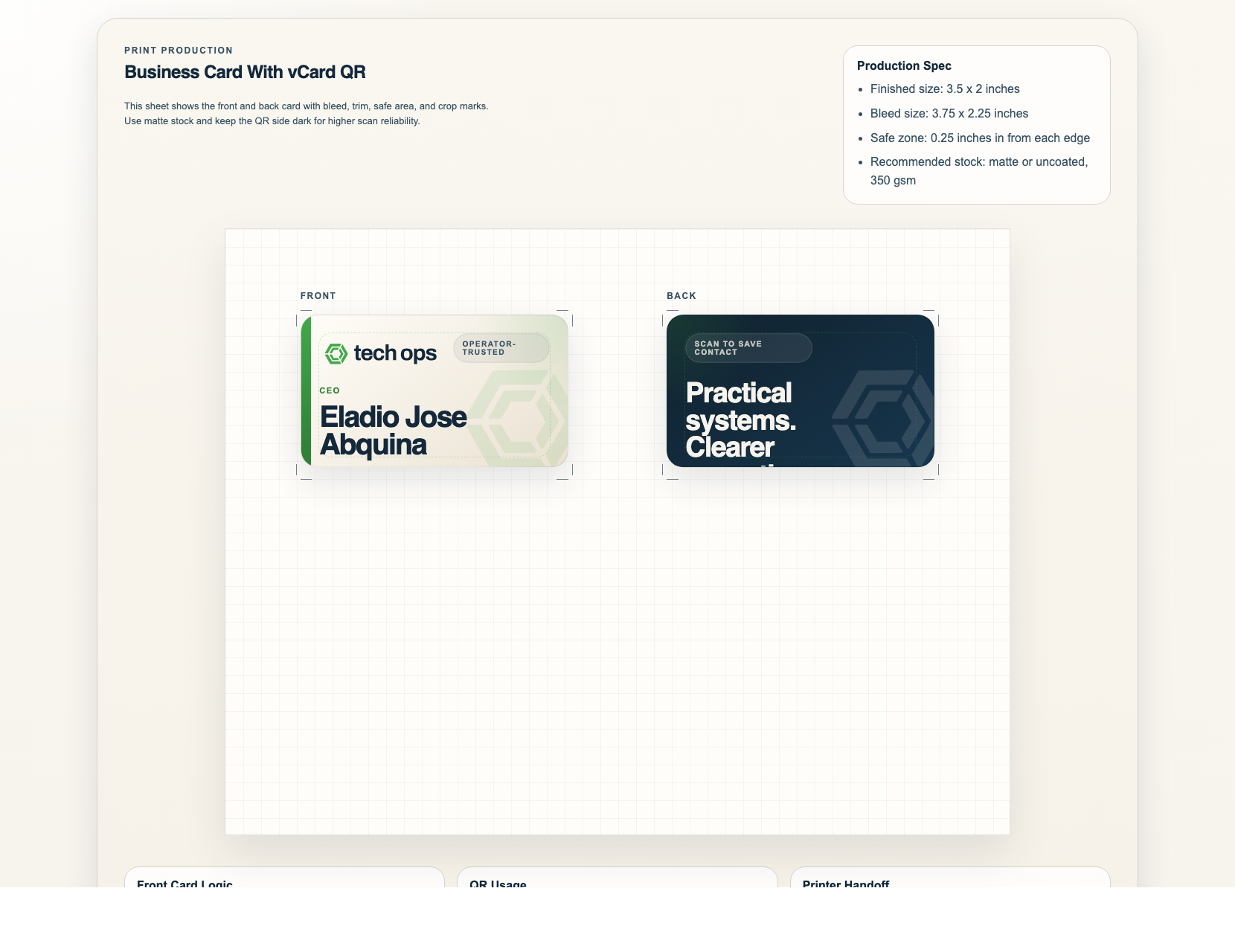
  • Open the print PDF first if you only need a production-ready business card.
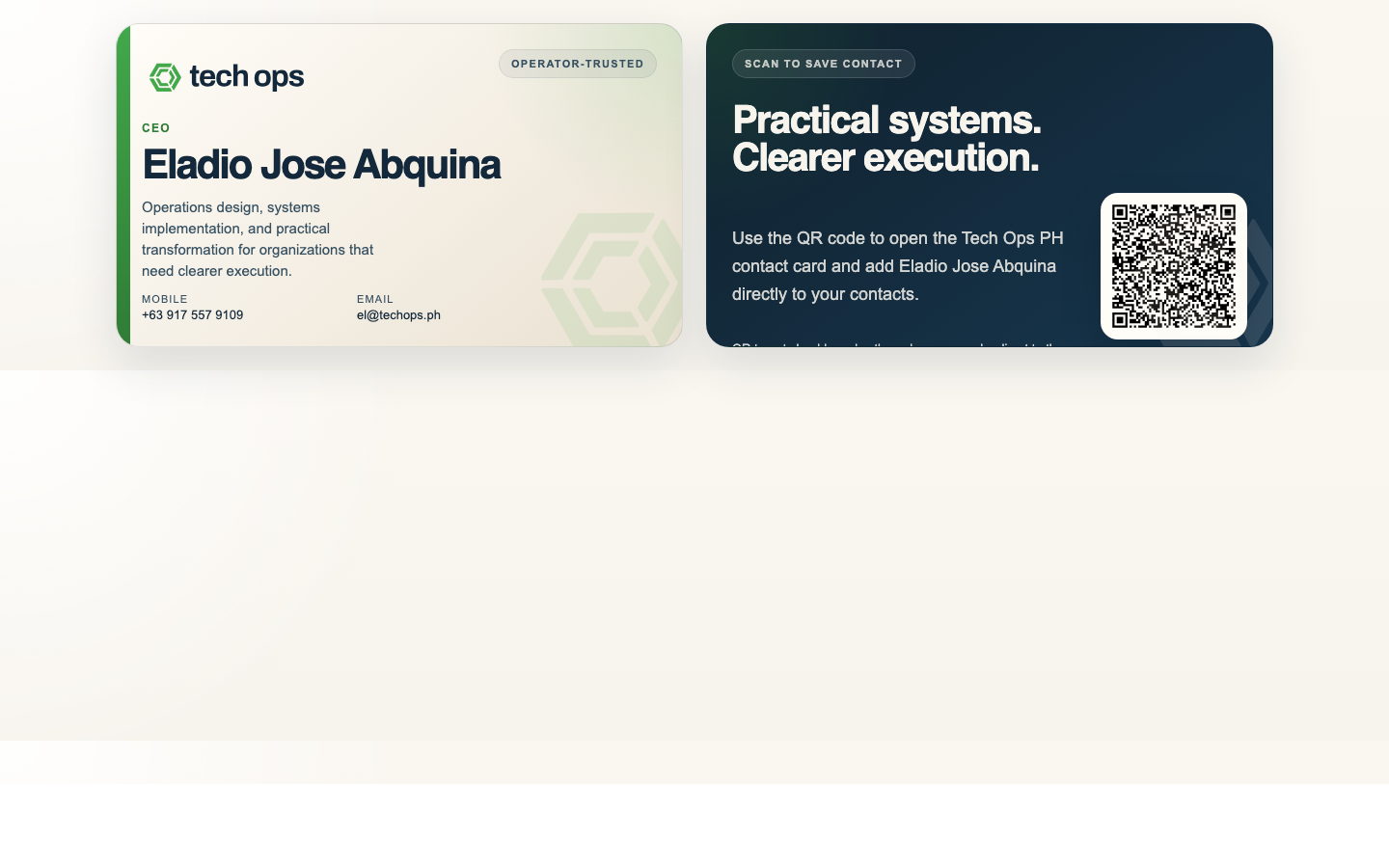
  • Open the QR card template when the contact details or QR behavior still need to change.
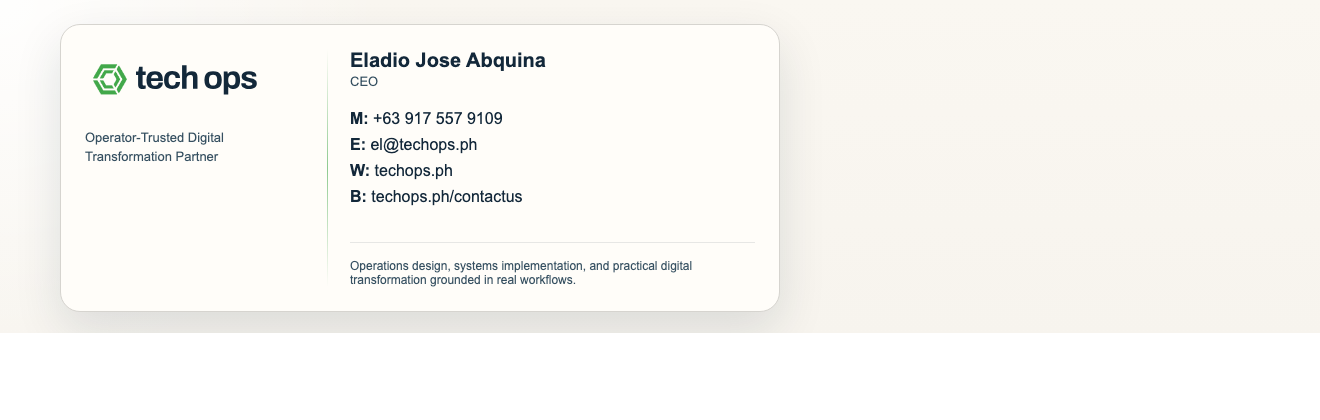
  • Use the email signature template for day-to-day outbound identity, not for promotional messaging.
Business card rules
  • Front side stays identity and contact led.
  • QR exists to accelerate contact capture, not to dominate the composition.
  • Use the print sheet when sending to production.
Email and merch rules
  • Use one logo mark and one clear URL in email signatures.
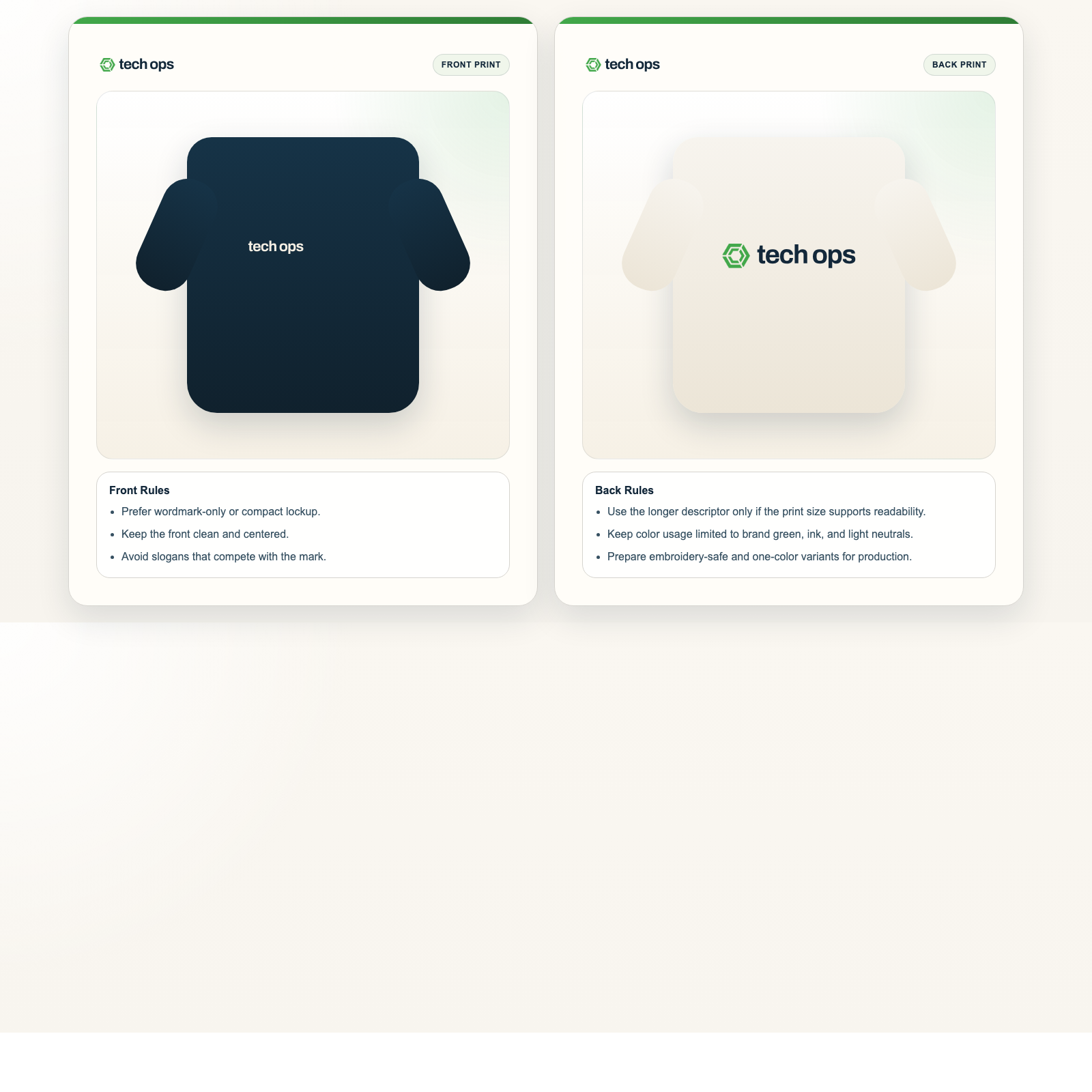
  • Keep merch logo-led and print-safe.
  • Avoid crowded, slogan-heavy layouts.
Current note
  • The approved contact set is already applied to the active assets.
  • The managed QR redirect URL is intentionally deferred to the future website build.
  • Treat this family as personalized now, with one final QR pass still pending.
If you only need the final export
  • Use the print PDF for card production.
  • Use the rendered email signature preview as the visual reference, then open the HTML only if setup changes are needed.
  • Use the family ZIP only when you want the full slice locally.

Previews

Existing production surfaces

Use these when you need the actual print-ready or handoff-ready asset.

Related Assets

Contact and print extensions

Use these for lighter identity handoff or simple logo-led extension surfaces.